Claudagotchi

Claude Code with a soul.
A desktop Claude client wrapped around a living, growing creature.
Claude Code with a soul.
A desktop Claude client wrapped around a living, growing creature.
Claude Buddy sat in your taskbar and did nothing. The Codex pets were the same. You could close them and lose nothing — because there was nothing to lose.
A sprite stapled to your status bar. No persistence, no growth, no consequence for ignoring it. A logo with a heartbeat animation isn't a pet — it's decoration.
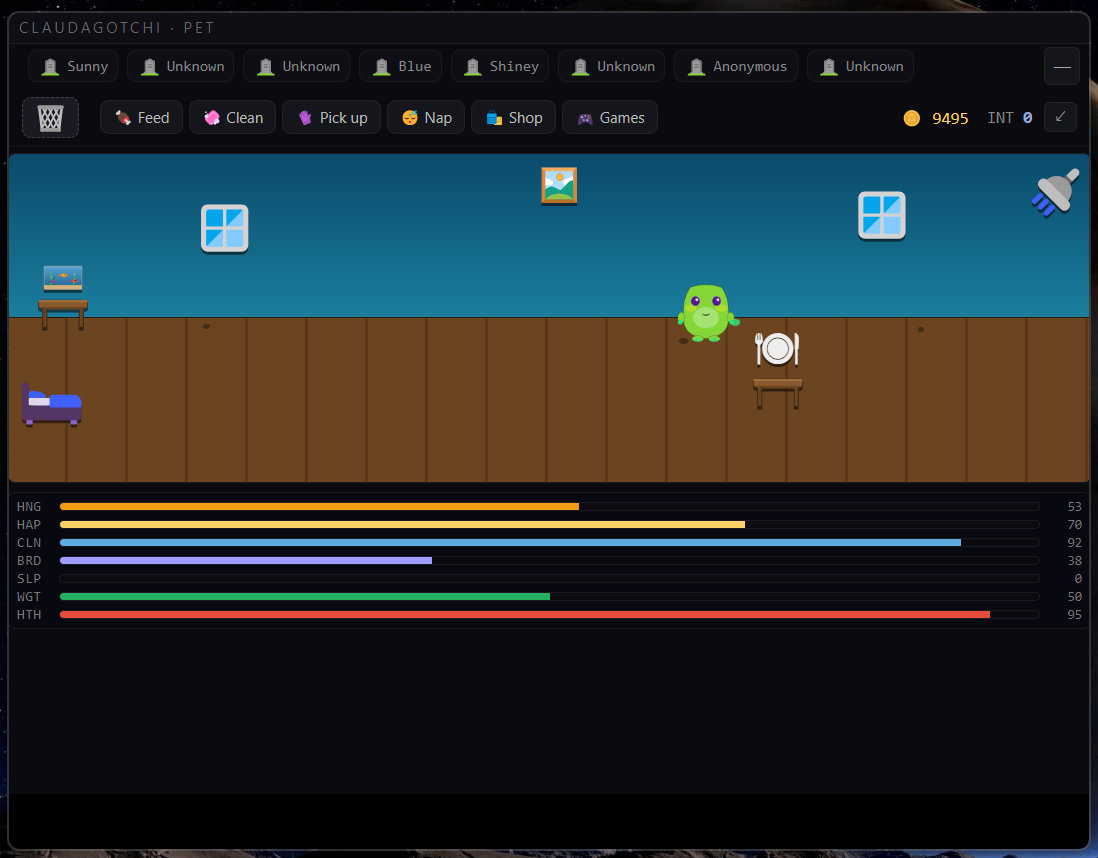
A real one. Persists across sessions, grows from the work you actually do with the agent, interacts with you, plays games with you, and dies if you stop showing up. Tombstones remain so the loss means something.
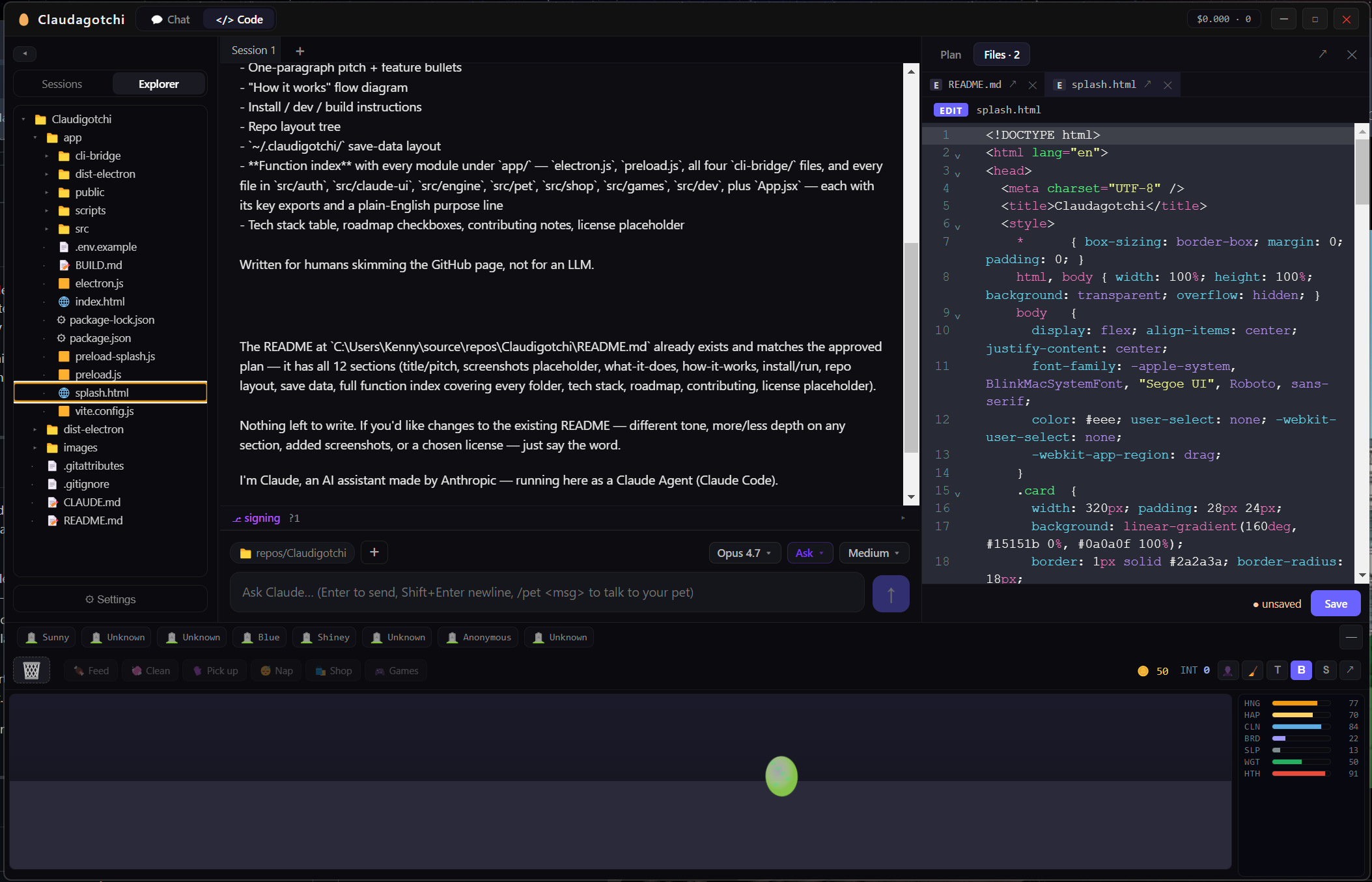
The other half of the problem: Claude Code in the terminal is great, but I wanted a desktop client with a real editor, a file tree, git integration, and per-session worktrees — the things you want when you're using Claude all day, not just for a one-off question. So I built that around the pet.
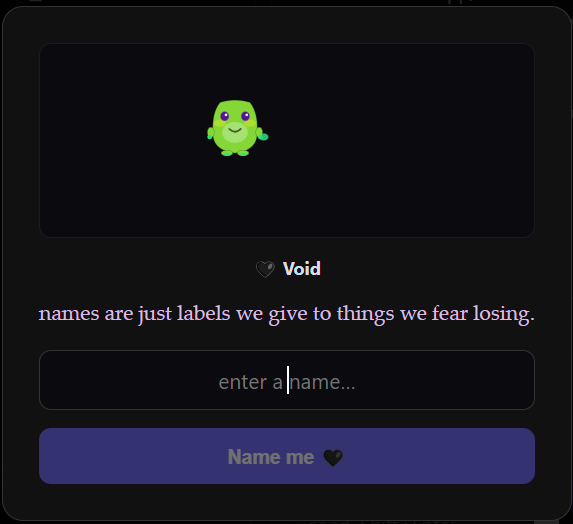
Every egg deterministically rolls a creature. Body shape, ear type, tail, eyes, pupils, mouth, markings, personality, rare extras — all from one number, so the same seed always yields the same pet.
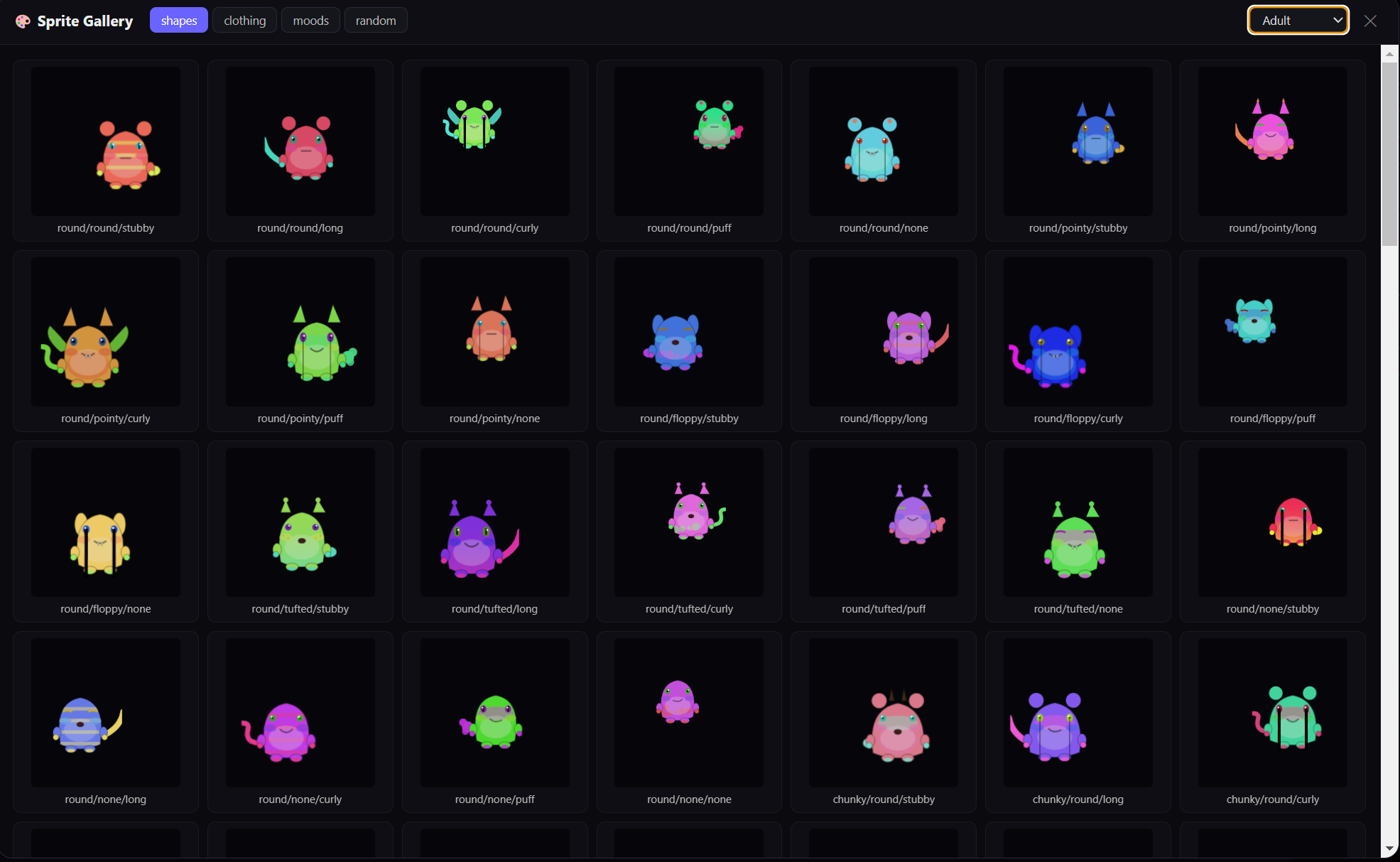
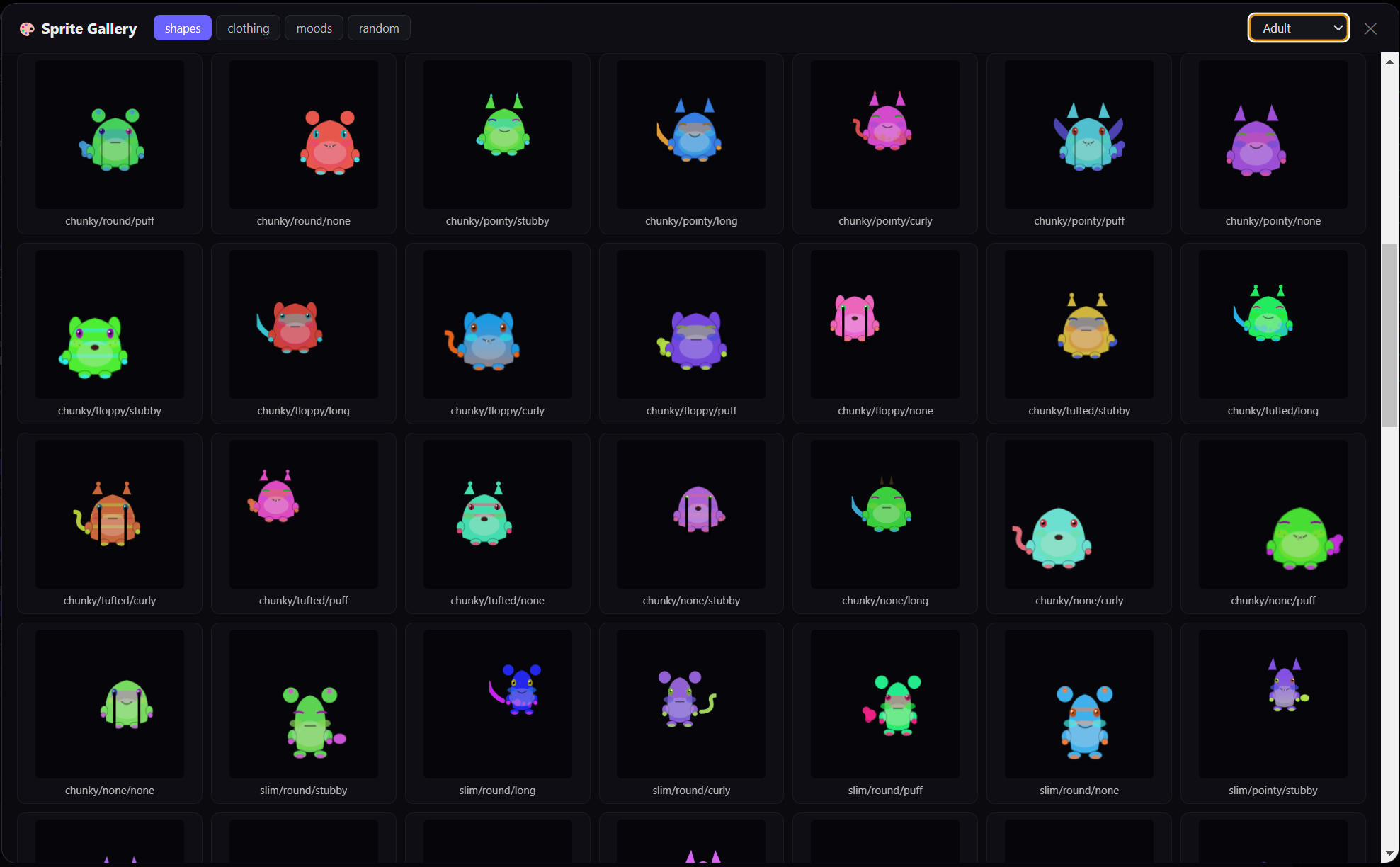
Like a shiny Pokémon. Pulsing gold drop-shadow, six orbital sparkles staggered in time. Visible from the egg through adulthood. Rare enough to be a moment when it happens.
Egg → hatchling → adolescent → adult → elder. Evolves on real time, accelerated by interaction.
Hunger, happiness, cleanliness, boredom, sleepiness, weight, health. Decay continuously — even while the app is closed.
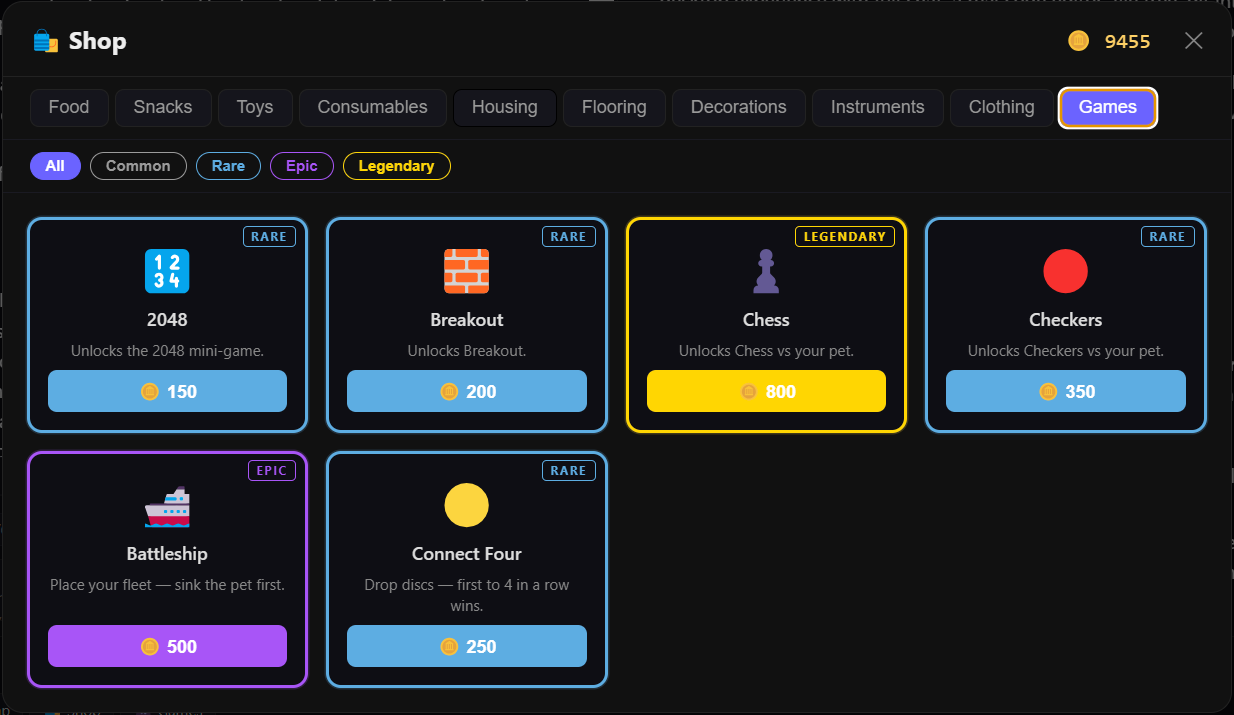
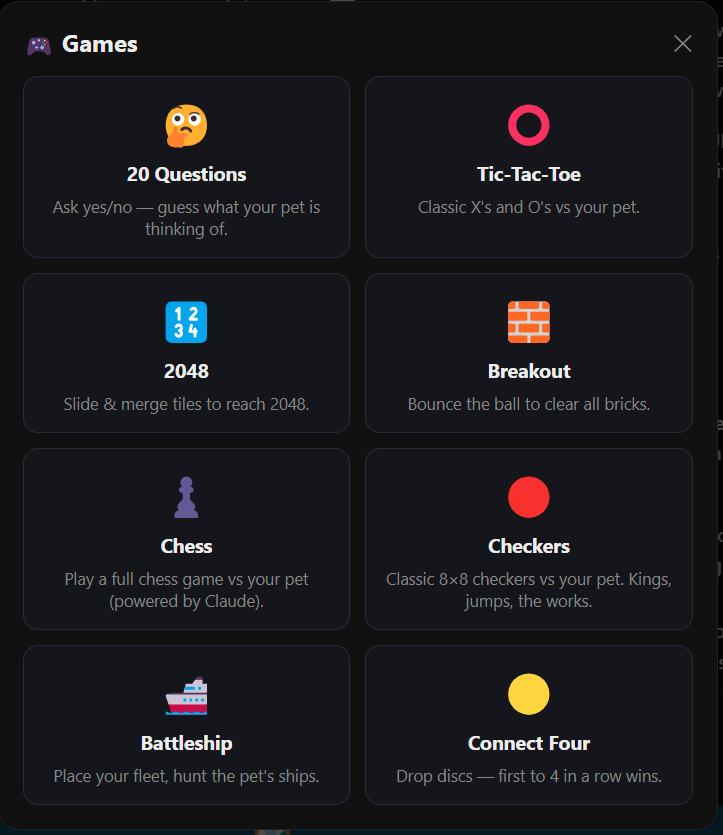
Throw ball, 2048, Breakout, Chess vs Claude (real FEN/SAN play), 20 Questions, instrument mini-actions.
Beds, food trays, showers, instruments, PCs. The pet walks to them, uses them, animates accordingly.
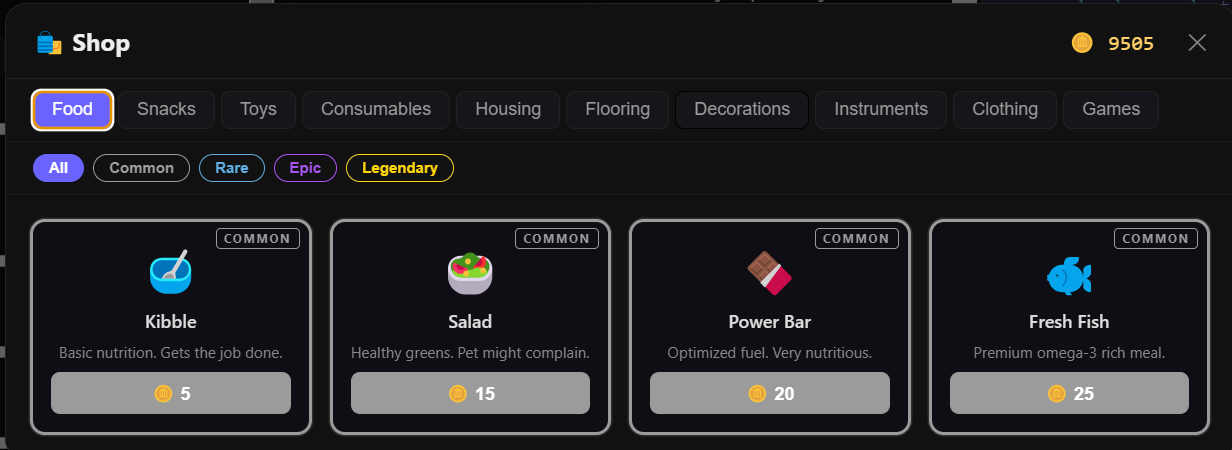
~80 items across clothing, furniture, decorations, games. 4 rarity tiers. Some unlock via achievements.
Neglect kills them. Tombstones persist across saves with cause-of-death stats. Each new pet means something.
Full Claude Code chat plus the editor essentials. Not trying to be Cursor — trying to be the day-long workstation around Claude that the official desktop app doesn't ship.
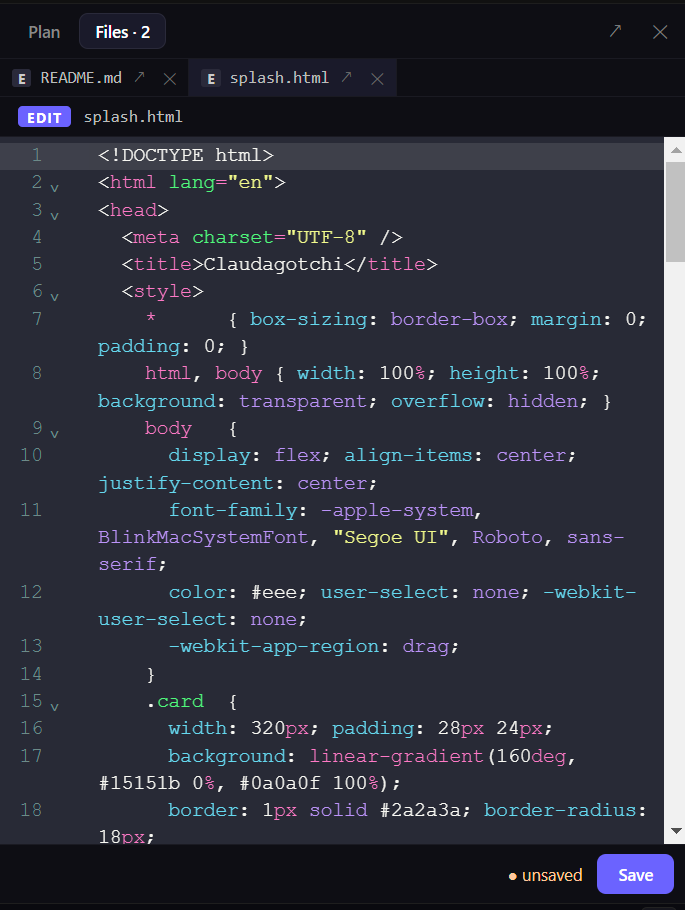
Find/replace, autocomplete, multi-cursor, code folding, bracket matching, dracula theme. JS, TS, HTML, CSS, JSON, MD, Python.
Added/modified/deleted lines painted right into the editor. Refreshes on save. Untracked files show all-added.
Prettier in-process for JS/TS/JSON/HTML/CSS/MD/YAML. Toggle per editor. Malformed code never loses data.
The omission that bothered me most about Claude Desktop. Click to open, right-click to reveal in OS or trash.
Pop any file into its own window. Edit several at once, each with its own editor state.
Opt-in. Risky Claude runs land on a fresh branch in an isolated worktree — your real tree stays untouched.
One-click PowerShell / Terminal.app at the current cwd. Detached, independent of the app.
Both Chat and Code tabs persist to disk. Restart the app, your conversations are right where you left them.
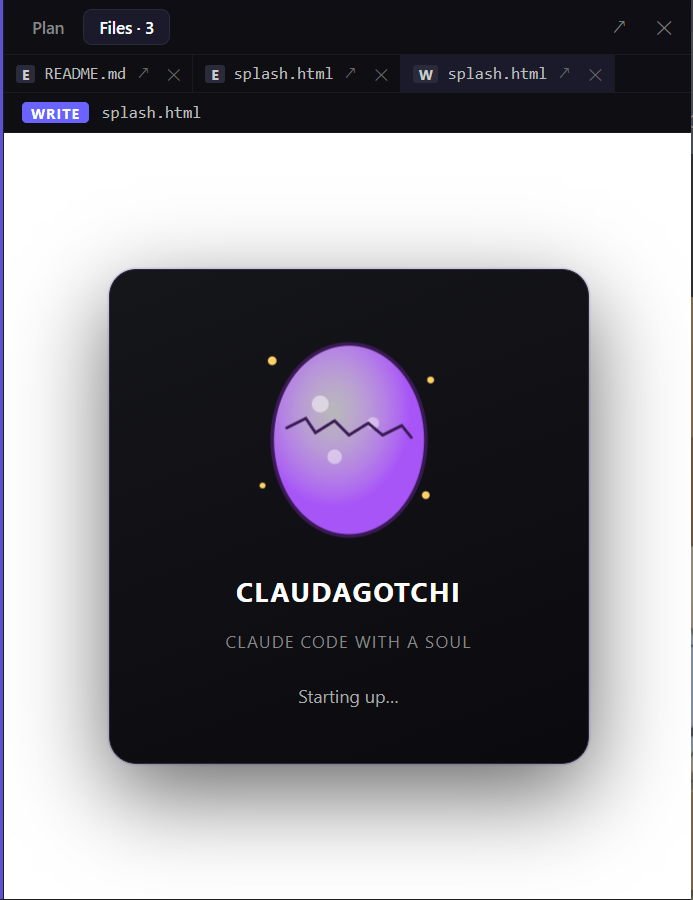

Windows 10 or later. Free, MIT-licensed, code-signed via Azure Trusted Signing. You need an active Claude subscription to use it — you sign in on first launch.
All builds are signed with an Azure Trusted Signing certificate. SmartScreen reputation will grow with each release.
First launch: if Windows shows a reputation warning, click More info → Run anyway.